Ironclad
Iconclad is a popular contract lifecycle management (CLM) platform used to collaborate and negotiate on contracts, accelerate contracting while maintaining compliance, and turn contracts into critical carriers of operational business intelligence.
Tonkean's integration with Ironclad uses Tonkean's Ironclad-approved application. Additionally, you can create a custom app, allowing you to provide your own Client ID/Client Secret and define your own scopes. For more information about creating a custom app, see Register an OAuth Client.
Authenticate with Ironclad
To use Ironclad in Tonkean, you must first connect it as a data source.
Select the main nav icon,
 , in the upper left and select Enterprise Components. The Enterprise Components screen displays.
Select + New Data Source in the upper right.
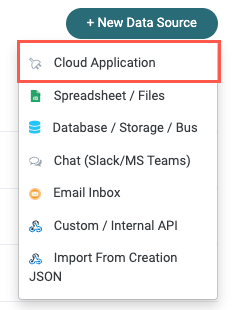
Select Cloud Application. The Add New Data Source window displays.
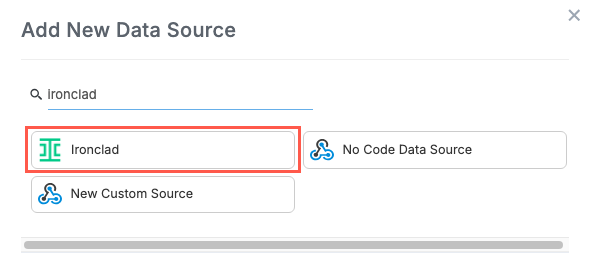
Enter "Ironclad" in the search field, then select Ironclad. The Set Up Integration window displays.
Follow the provided setup instructions to provide the relevant Connection Parameters:
Workflow Statuses - Enter the workflow statuses you want Tonkean to collect and monitor. Available Options:
active,completed,cancelled,pausedDashboard ID (Optional) - Enter the Dashboard ID from your Ironclad instance. We recommend including this if you're using Tonkean AI features like the AI Front Door and agents; this ID helps these features link back to the relevant record in your Ironclad instance.
Environment Subdomain (Optional) - Select an environment, where relevant:
Leave empty - Production (Default) (
https://na1.ironcladapp.com)eu1- EU Environment (https://eu1.ironcladapp.com)demo- Demo Environment (https://demo.ironcladapp.com)
Client ID (Optional) - If using a custom application, provide your Client ID.
Client Secret (Optional) - If using a custom application, provide your Client Secret.
Scopes (Optional) - Edit or add scopes. The default scopes are required for the Tonkean application to work as expected.
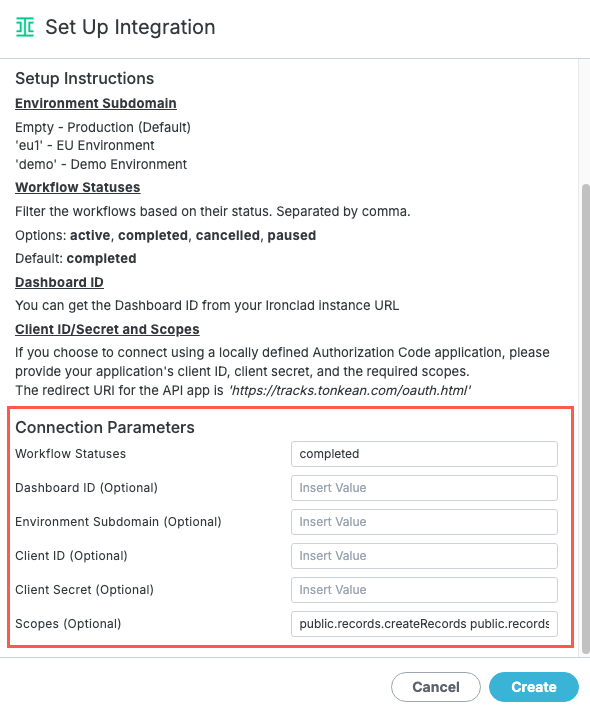
When finished, select Create.
Your Ironclad instance is connected to Tonkean. Be sure to provide the relevant solutions access to this data source.